

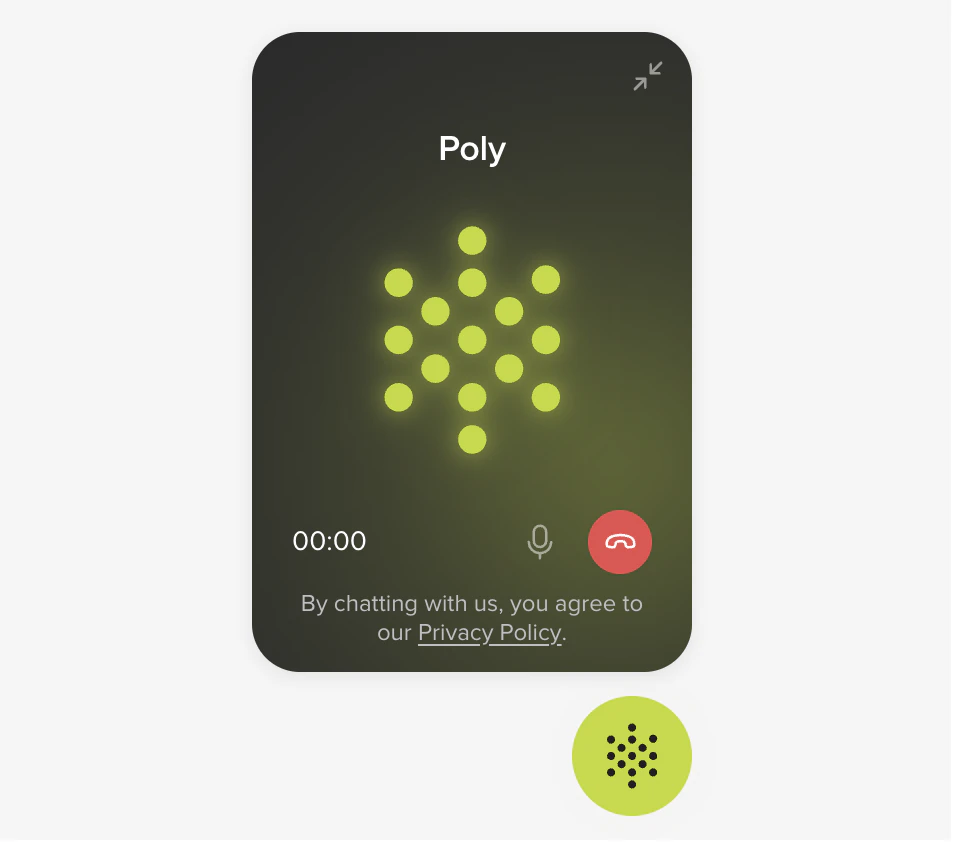
Web Calling launcher on a website
Web Calling in the channel mix
Web Calling is a voice channel, just like a phone number. The only thing that changes between them is how the audio gets to PolyAI.
Web Calling and Numbers are two ways into the same voice agent. They share the agent’s spoken voice (set once, under Voice) and the same conversation logic. Switching a visitor between them doesn’t require a separate flow.
What the widget does
A consent step before the mic opens. Mute and end-call controls. The usual connecting / in-call / ended / error states. Only one call active per visitor across tabs. You can lock the widget to specific domains, run multiple variants per brand or region, and surface whichever languages your agent speaks.Compliance
Privacy and consent controls are off by default. Turn them on under Widget configuration.Before you embed
Phone and Chat widgets share a single Studio surface, which is why both live under Widgets. Pick Phone or Chat when you create one.
Reference pages
Widget
Create, style, and configure a Web Calling widget in Agent Studio.
Installation
Embed the script tag on your website with HTML or Tag Manager.
Test widget
Walk through a real call from the editor preview link.
Troubleshooting
Mic permissions, ICE failures, cross-tab lock, and more.
Technical details
How a call connects
How a call connects
Web Calling is loaded by a single
<script> tag on your site. The script injects an iframe pinned to the bottom-right of the page. When a visitor clicks the launcher, the widget requests microphone access, opens a WebSocket to PolyAI’s WebRTC gateway, and starts an Opus 48 kHz audio call with your agent.Two endpoints are involved:- HTTPS to PolyAI’s widget script endpoint, which loads the widget JS.
- WSS to the WebRTC gateway, which carries signaling and Opus audio to your agent.
Web Calling vs. telephony, side by side
Web Calling vs. telephony, side by side
You can run both: Web Calling for visitors already on your site, telephony for callers from anywhere else. Both connect to the same agent.
Programmatic control (JavaScript SDK)
Programmatic control (JavaScript SDK)
The widget script also exposes a Available commands:
window.PolyphoneAPI object that lets your page drive the call programmatically, useful when you want to trigger Web Calling from a custom button, an in-app event, or an existing chat experience.connect, disconnect, startCall, endCall, connectAndCall, mute, unmute, sendInfo, isConnected, getCurrentSession, destroy. Event registration uses dedicated methods: onReady, onConnecting, onConnected, onDisconnected, onRegistered, onUnregistered, onRinging, onAnswered, onEnded, onFailed, onMuted, onUnmuted, onCaptureAudio, onAudioEnded, onInfoSent, onInfoReceived, onTranscription, onError. Use off(eventName, handler) to remove a registered handler.Browser support
Browser support
Web Calling uses standard WebRTC primitives. Verified browsers:
Visitors on unsupported browsers see a disabled call button with a brief explanation. Mobile-browser and in-app-webview behavior can vary, so test in your intended deployment environment before launch.
Related pages
- Voice, the agent’s TTS voice, shared by Web Calling and telephony
- Numbers (telephony), the phone-network route into the same voice agent
- Webchat, the text channel that uses the same widget framework
- Variants, per-domain or per-region widget configuration
- WebRTC gateway API, the underlying transport (advanced)