

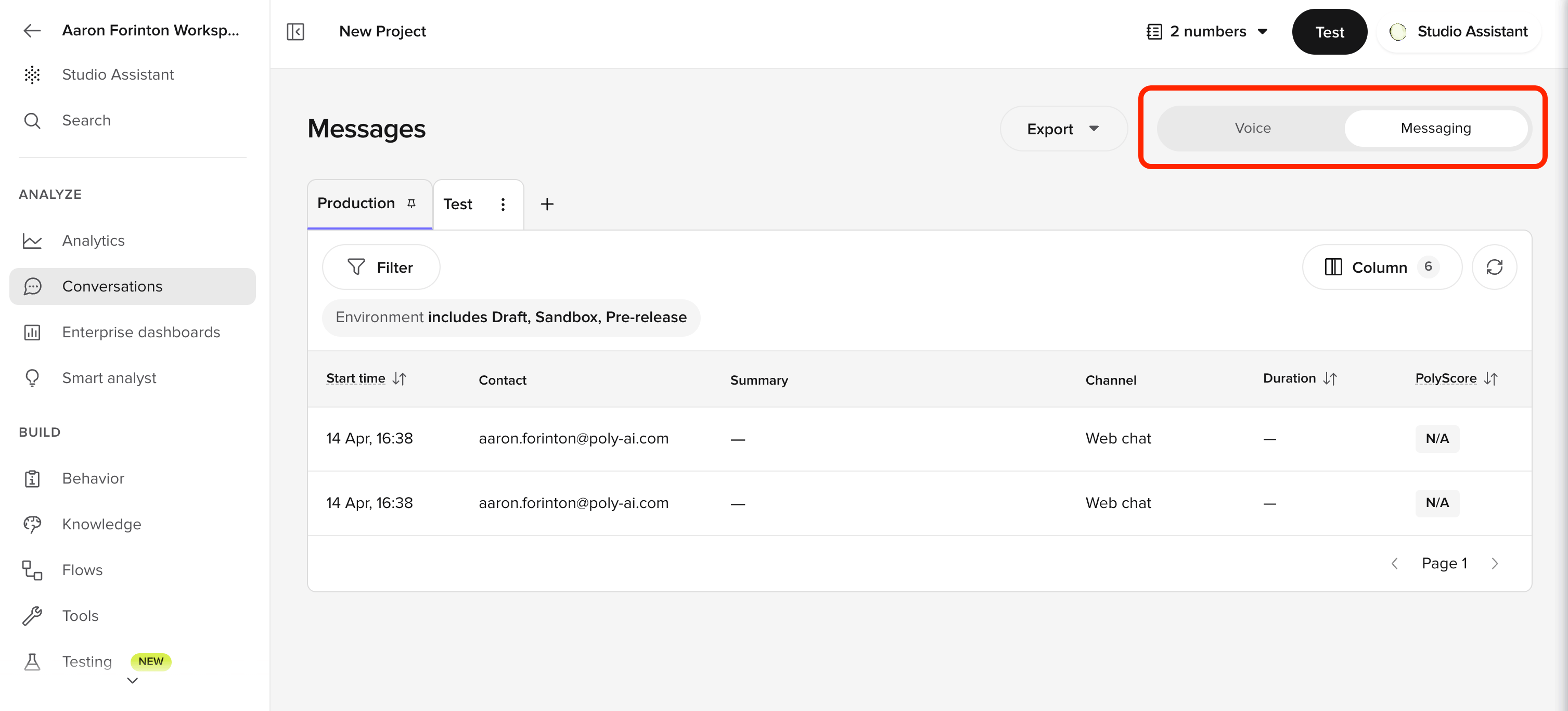
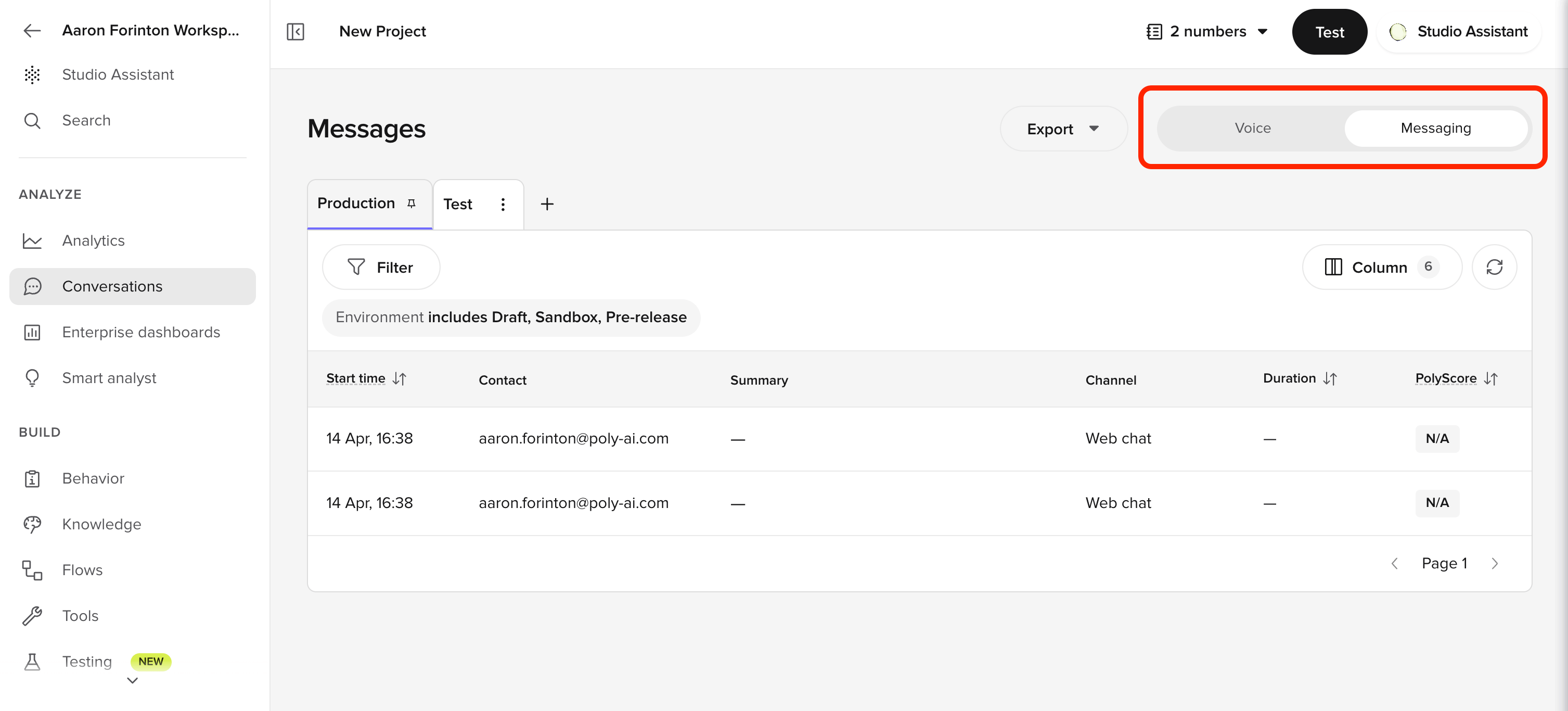
Web chat conversations page with the Production view pinned, an Environment is Live filter chip, and a 7 conversations in progress banner above the table

Conversation Review side panel showing the Transcription tab, four toolbar tabs, and a conversation transcript
For QA workflows, see QA and analytics. For performance analysis, see Performance monitoring.
Features
Conversation review
Browse, filter, and inspect individual conversation transcripts, both live and completed. Export data for reporting.
Views
Save and share filtered conversation lists as named views for recurring QA workflows.
Annotations
Flag transcription errors or missing topics during review. Feeds a continuous improvement loop for ASR and your Knowledge area.
Conversation diagnosis
Toggle debugging layers to see conversation variables, flow paths, function calls, topic citations, and turn latency.
Related pages
Dashboards
See aggregate performance trends before drilling into calls
Analyze conversations
Ask Wren to surface patterns across conversations with natural-language queries
PolyScore
Understand the automated quality score on each conversation
AI Scores
Score conversations against criteria you write yourself