

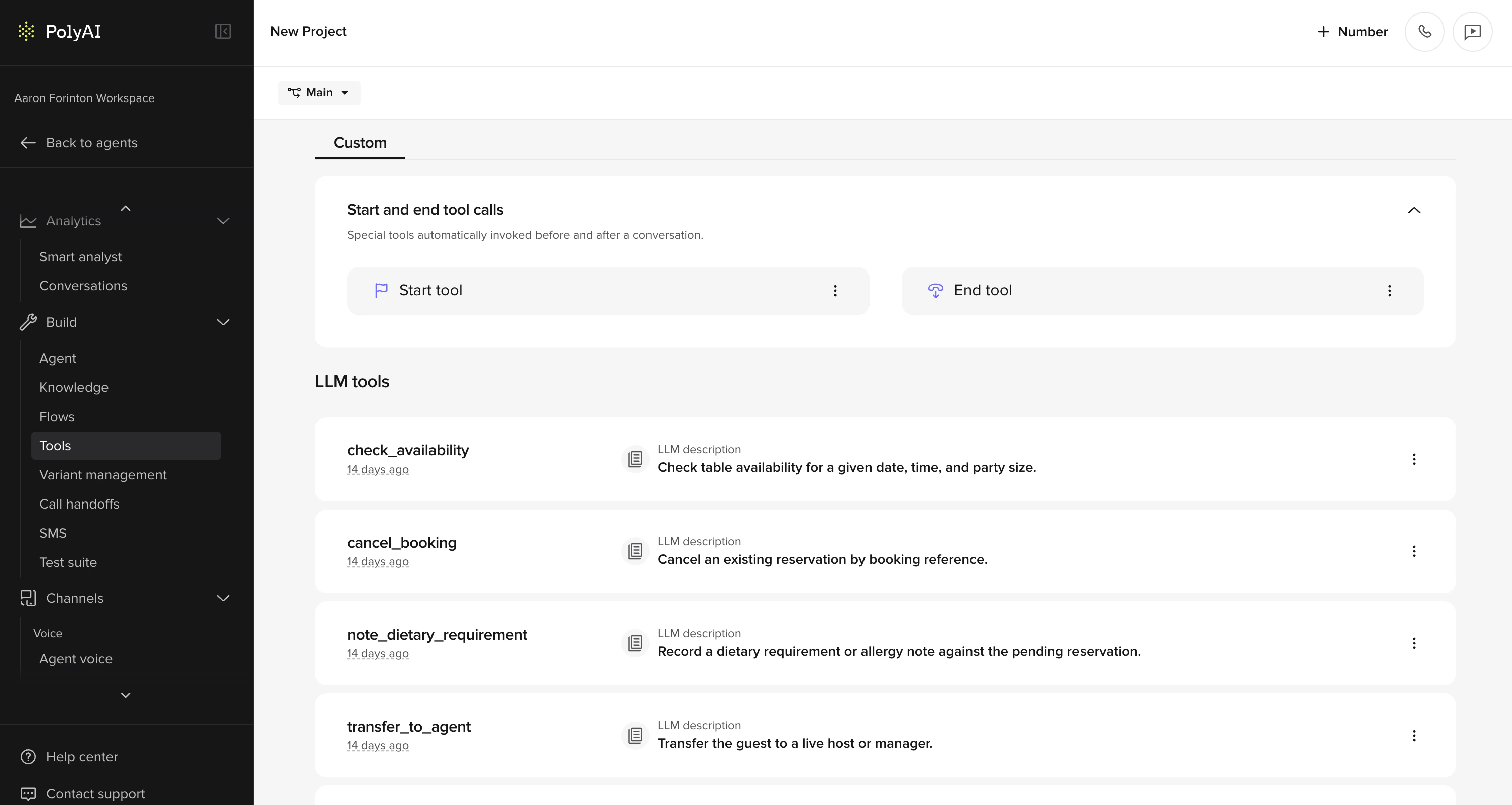
Step-by-step guide
Set up a new function to integrate APIs, validate input, or add custom business logic to your agent.1. Find “Tools” in the sidebar
- Go to the agent’s main page and navigate to Tools in the sidebar.
2. Click “Add Function”
- Select Add Function to create a new function.
3. Define the function name
- At the top of the page, define the function name. Note that the function name can only contain alphanumeric characters and underscores.
4. Provide a description
- Use the “Description” field to provide an accurate summary of what your function does. This helps the model understand when to call the function. Be descriptive and concise about its purpose.
5. Define LLM parameters
- In the “LLM Parameters” field, specify the parameters the LLM model will collect and use in the function.
- Name: Assign a clear and descriptive name to improve the accuracy of the LLM result.
- Context Description: Provide essential context to help the LLM accurately understand and extract the parameter from the caller.
- Type: Specify the parameter type. Options include “string,” “number,” “integer,” or “boolean.” Note that “number” supports decimals, while “integer” does not.
6. Define the function
- Use the “Function Definition” field to write the function in Python. You can retrieve secrets in your Python definition – see Secrets for details.
- The function should return a string or dictionary. A string provides additional context for the LLM. A dictionary can control agent behavior (handoff, hangup, listen, etc.). See Return values for the full list of supported return types.
7. Save the function
- Click “Save” to finalize and create your function.
Best practices
Environment configuration
You can use theconv.env property to define environment-specific functions and activate test features in Sandbox or Staging (pre-release in code).
Handling API response errors
When writing functions that call external APIs (e.g. to fetch user records or transactions), always handle non-200 HTTP responses explicitly.
If
response.status_code != 200, make sure to distinguish:- A true error (e.g. invalid URL or broken integration)
- From a valid request with no user data (e.g. user has no transaction history)
Related pages
Libraries
Standard and non-standard libraries available in functions.
Return values
Control agent behavior with string and dictionary returns.
conv object
Full reference for conv.state, conv.log, and other properties.