



Watch it
Simple mode walkthrough (3 min)
How it works
Your Branch lives in Sandbox, the environment where you build and test. It saves as you go, so there is nothing to remember to save. When you publish, your changes are added onto Live and become the newest version in Live’s history. There is one Branch and one publish at a time. If you need several people working on separate changes at once, switch to Branches mode, where each person has their own. You change mode under Settings on the Deployments page.Making a change
1
Make your change
Edit your agent as normal. Your Branch saves as you go.
2
Test it
Run simulation tests, or talk to the agent yourself over an in-app call or chat.
3
Publish
Your changes are added onto Live and become the newest version in Live’s history.
Checking what will change before you publish
Open the Publish menu and choose Compare changes to see your Branch against Live side by side. Use it to confirm that only the change you intended is there. The same menu holds View history and Discard changes, which throws your changes away and starts again from Live.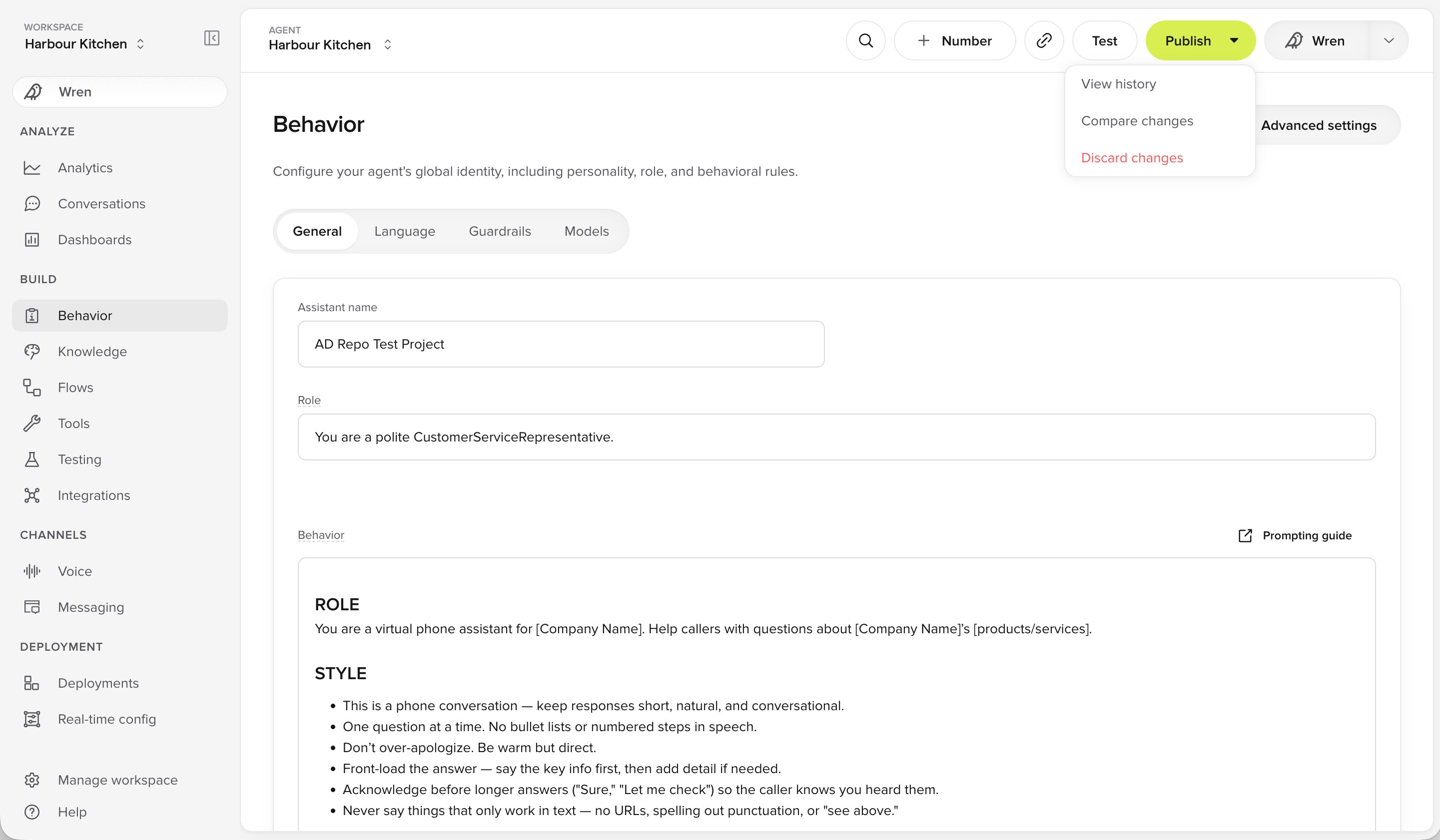
The Publish menu in Simple mode