

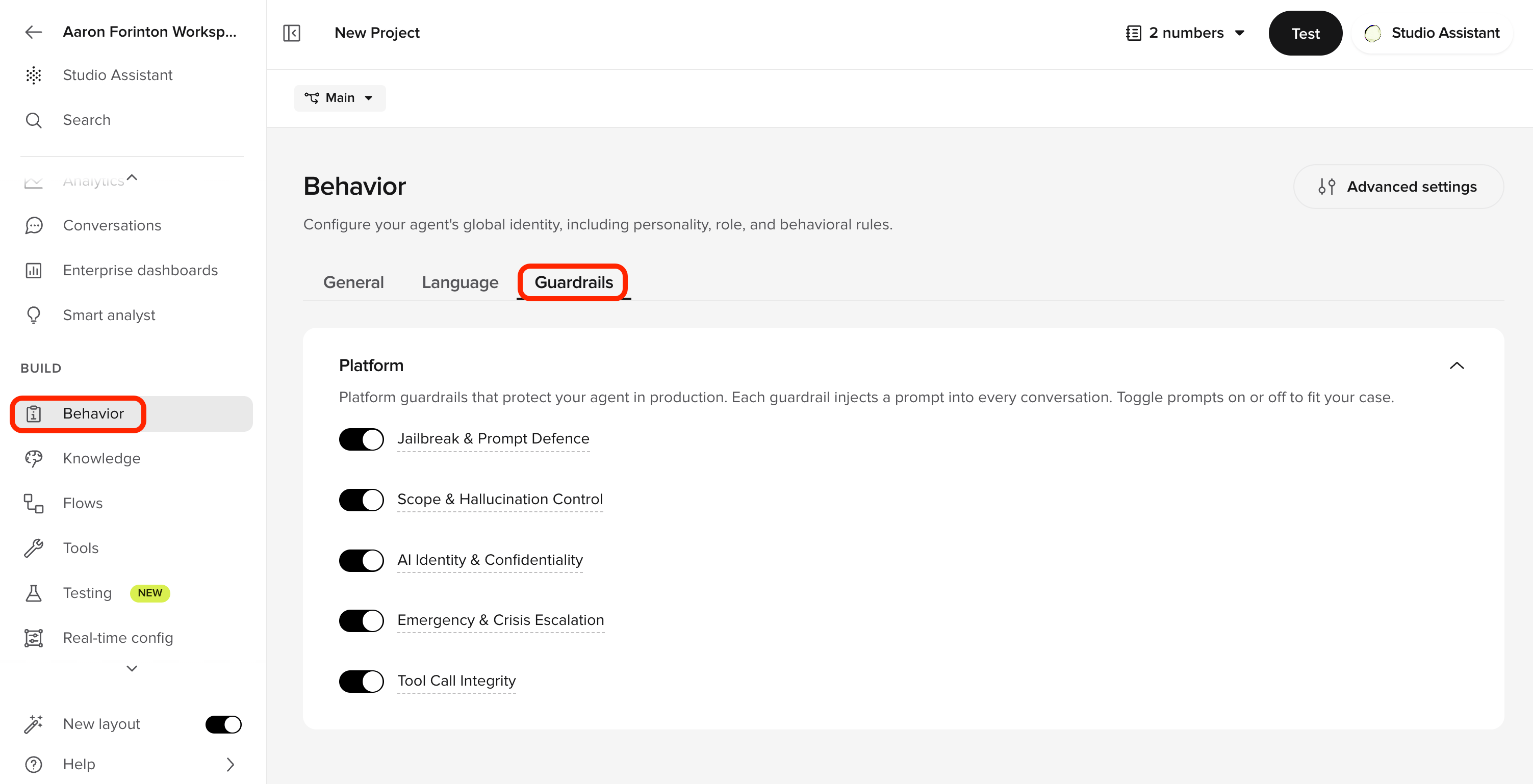
Guardrails section in Behavior
Platform guardrails are applied automatically, standardized across projects, and maintained by PolyAI — no per-agent prompt engineering required.
The five guardrails
The underlying prompts are managed by PolyAI and are not currently visible or editable in Agent Studio.Enable or disable a guardrail
- Open Behavior and select the Guardrails tab.
- Toggle a guardrail off or on. Disabling prompts you to confirm.
- Test with Chat with Agent before publishing to Live.
Observe when guardrails fire
Guardrail events are recorded on every conversation.- In a transcript: open a conversation in Conversations, open transcript display options, and toggle on Guardrails. Each turn where a guardrail fired is annotated inline.
- Across conversations: filter by guardrail in the QA category of the conversation filters.
- Guardrails are stored per-project and travel through environments and versions – the configuration is part of each published version.
How guardrails fit with safety filters
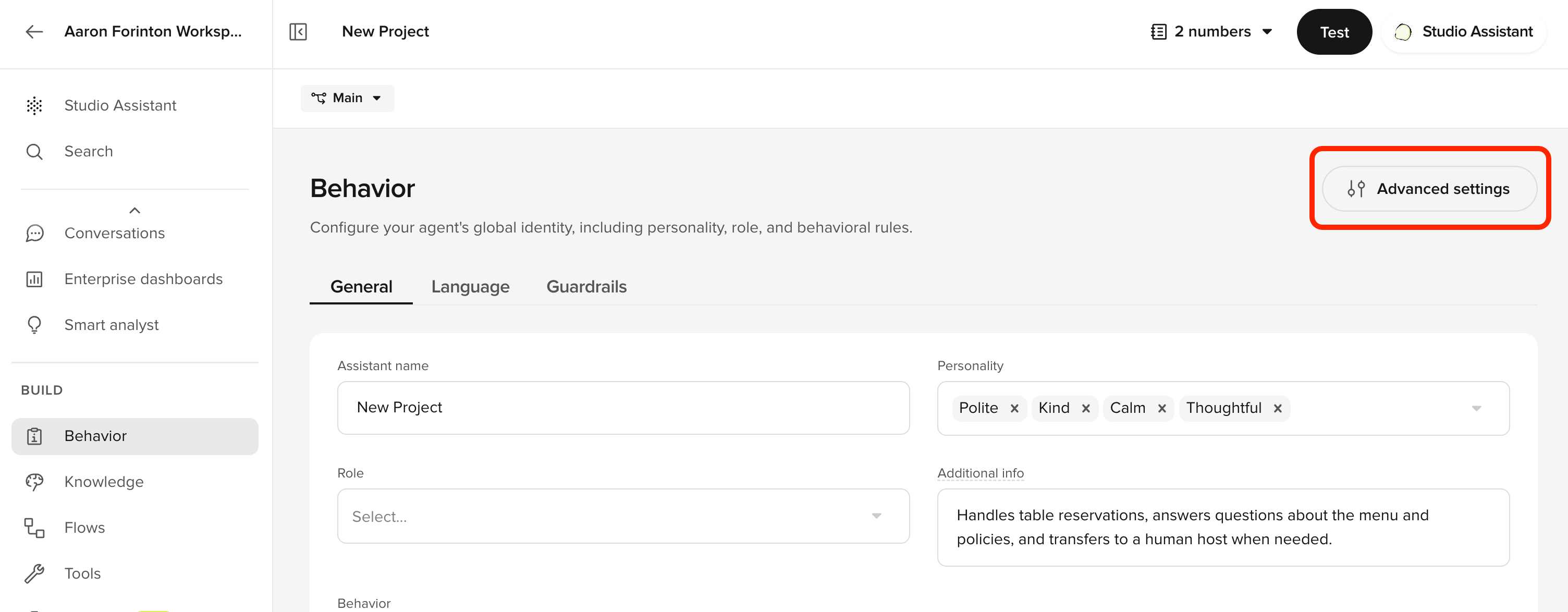
Platform guardrails are prompt-level instructions to the LLM. They run alongside the input/output safety filters:- Safety filters classify each user input and agent output against hate, violence, sexual, and self-harm categories at the model layer. Configure thresholds per category in Advanced behavior settings (via the Advanced settings button on the Behavior page) and override per channel.
- Jailbreak detection is always-on at the model layer and is independent of the Jailbreak & Prompt Defence guardrail. The guardrail tells the LLM how to respond; the detector blocks input upstream.
- Emergency & Crisis Escalation catches conversational distress signals that content filters miss – for example, “I don’t want to be here anymore” said in a measured tone.
Related pages
Behavior rules
Add custom rules for terminology, tone, and edge cases on top of the platform guardrails.
Conversation review
See guardrail events inline in transcripts and filter by guardrail in QA category.
Safety filters
Per-channel content filters for hate, sexual, violence, and self-harm.
Self-serve dashboards
Build a dashboard to track jailbreak attempts and other safety signals.
Wren
Validate guardrail behavior in the preview before publishing a version.