

New to environments? Start with the Environments tutorial for a hands-on introduction. For detailed workflows and best practices, see Version management.
Creating a version
A version is created whenever changes are made to an agent. A draft banner appears at the top of the page, allowing you to:- Delete: Revert to the most recent published version.
- Publish: Save the draft as a version, optionally adding a description highlighting changes made and any notes for future collaborators.
Removing a draft from a version line
Promoting a version across environments
Working on branches
Some areas of Agent Studio — such as Knowledge and Tools — use a git-style branching workflow so you can develop changes in isolation before they reach the shared version line. A branch selector dropdown (top-left) lists your branches alongside Main; switch branches to work on a set of changes without affectingMain.
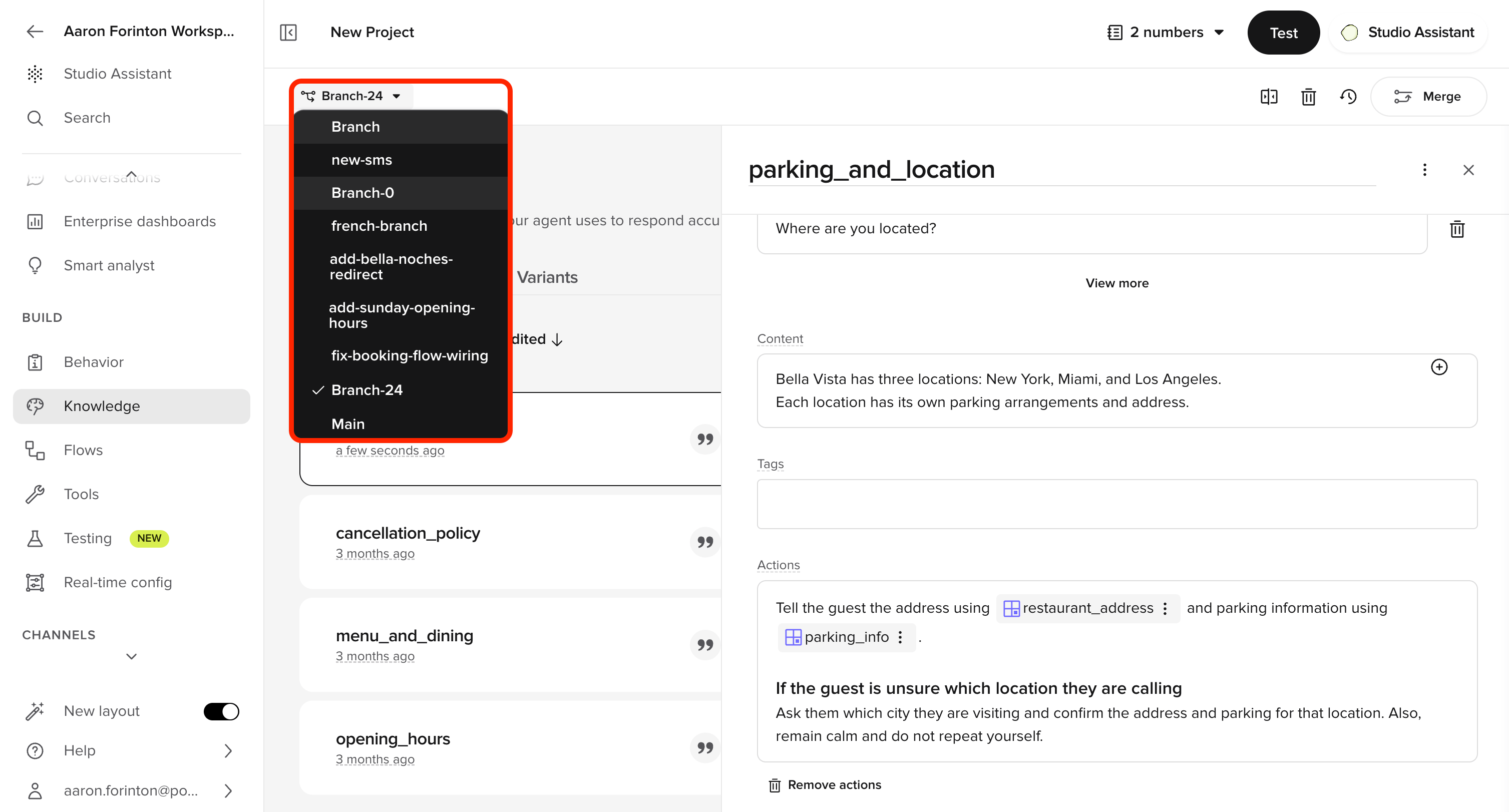
Branch selector
Main, the changes join the shared version line and can be promoted through the Draft → Sandbox → Pre-release → Live pipeline described below.
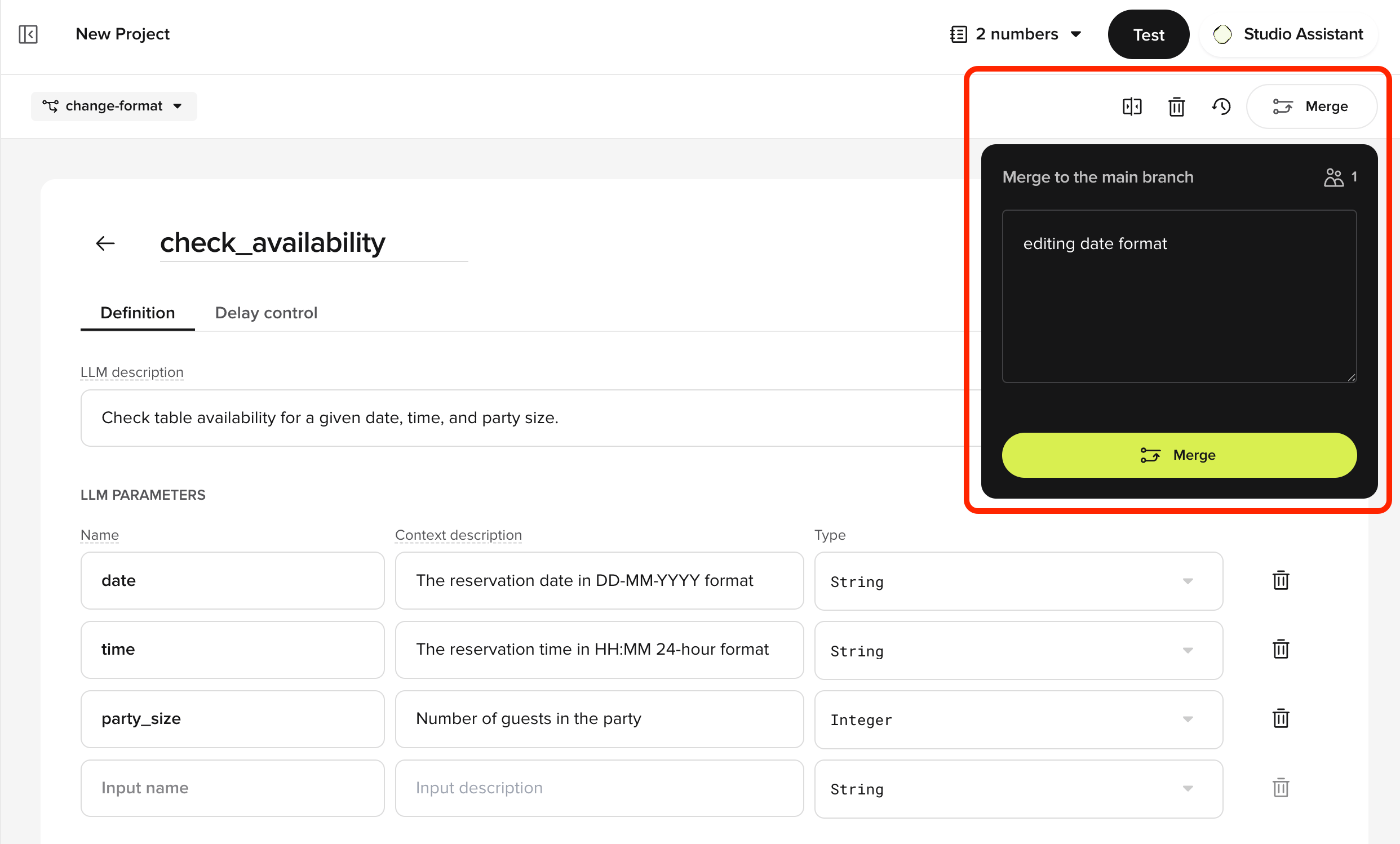
Merge to the main branch
Promoting a version
Promotion moves a version from one environment to the next. The environments include Sandbox, , and .Pre-release
Staging environment for user acceptance testing (UAT).- Go to Deployments in the sidebar.
- Click the Options Menu next to the desired version.
- Select Promote to Pre-release.
Live
Production. Changes affect all active calls immediately.- Go to the Pre-release tab in Deployments.
- Click the overflow menu (three vertical dots) next to the version.
- Select Promote to Live.
- Confirm your selection by checking the box and clicking Promote.
- Confirm
- Complete
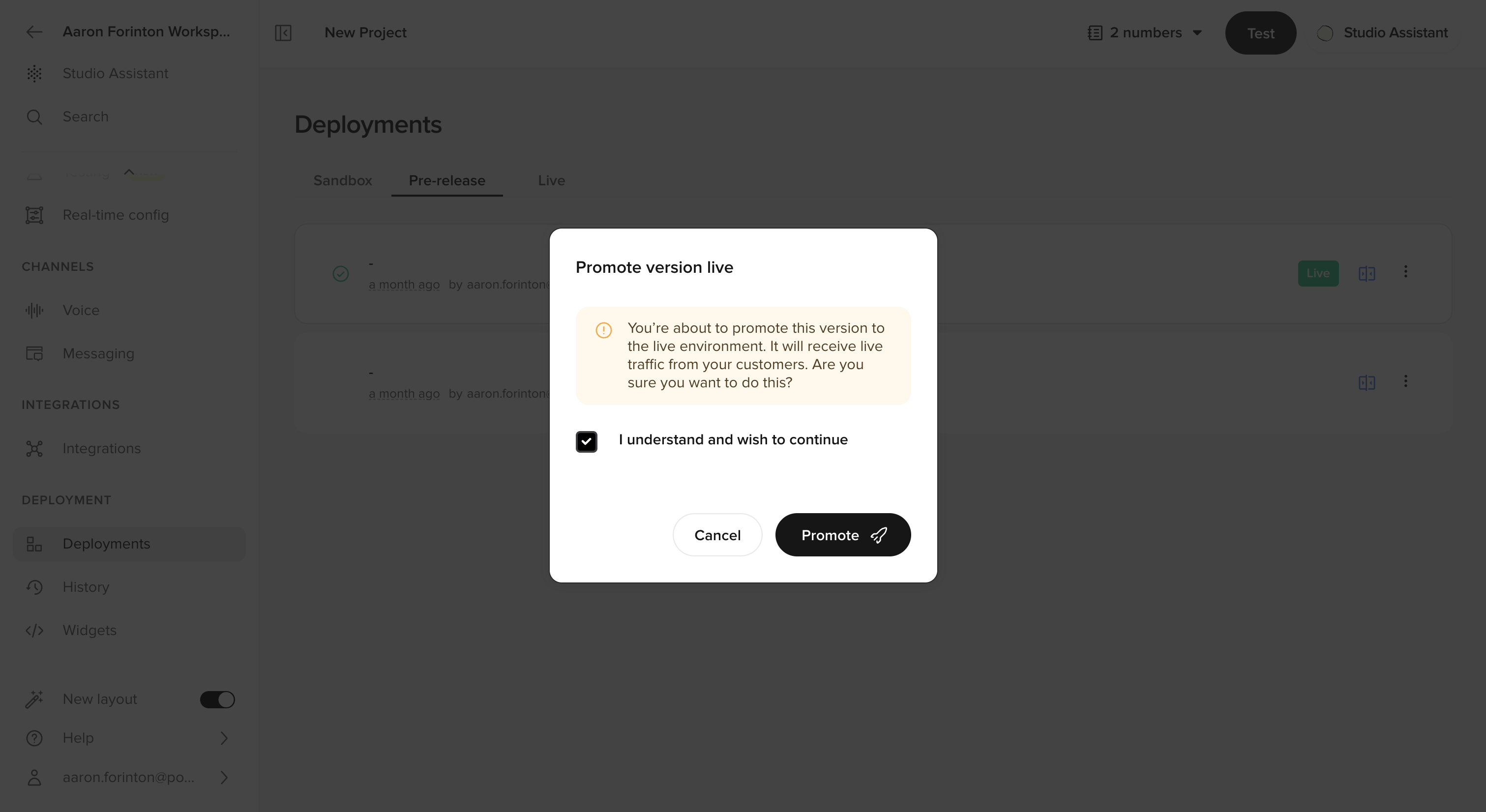
initiate release
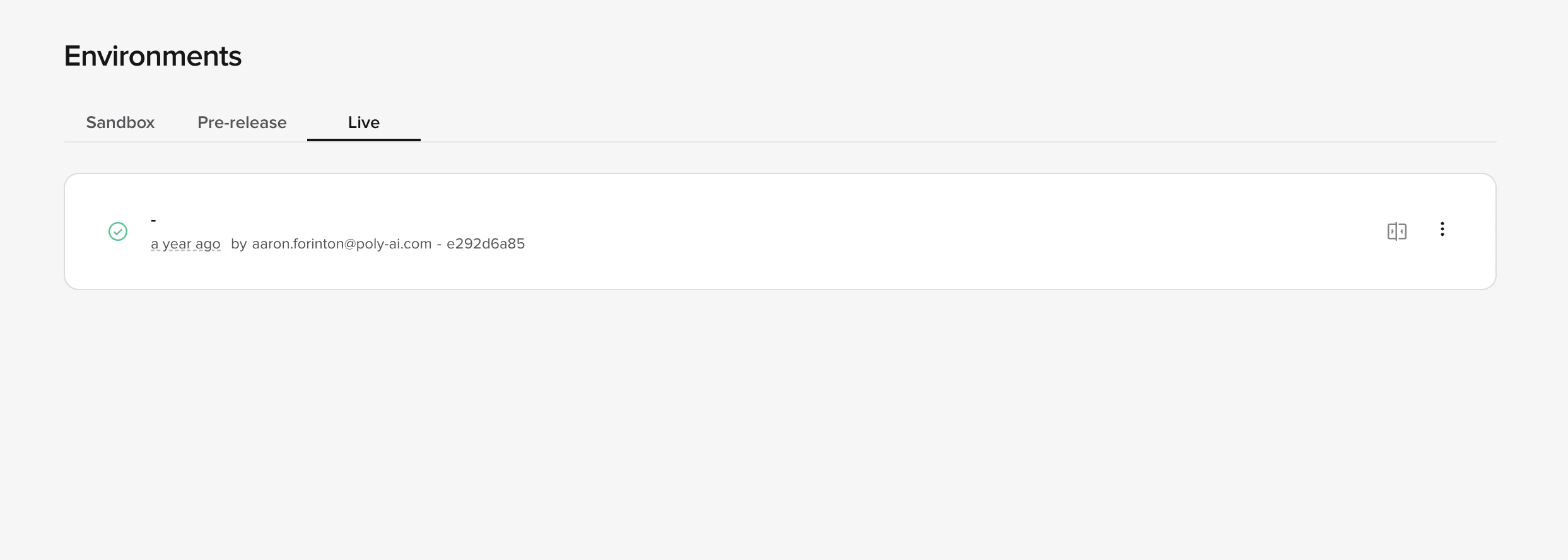
Comparing versions and environments
Before promoting changes, you can compare versions across environments using a side-by-side diff view.- Go to the Deployments section and open Environments or Project History.
- Select a version and click Compare to view differences between Sandbox, Pre-release, and Live.
- Versions appear in reverse chronological order (newest first) for easier navigation.
Rolling back to a previous version
Roll back to a previous version if needed:- Go to Deployments in the sidebar.
- Select the Options Menu for the desired version.
- Click Rollback.
- Confirm the rollback.
- Initiate
- Confirm
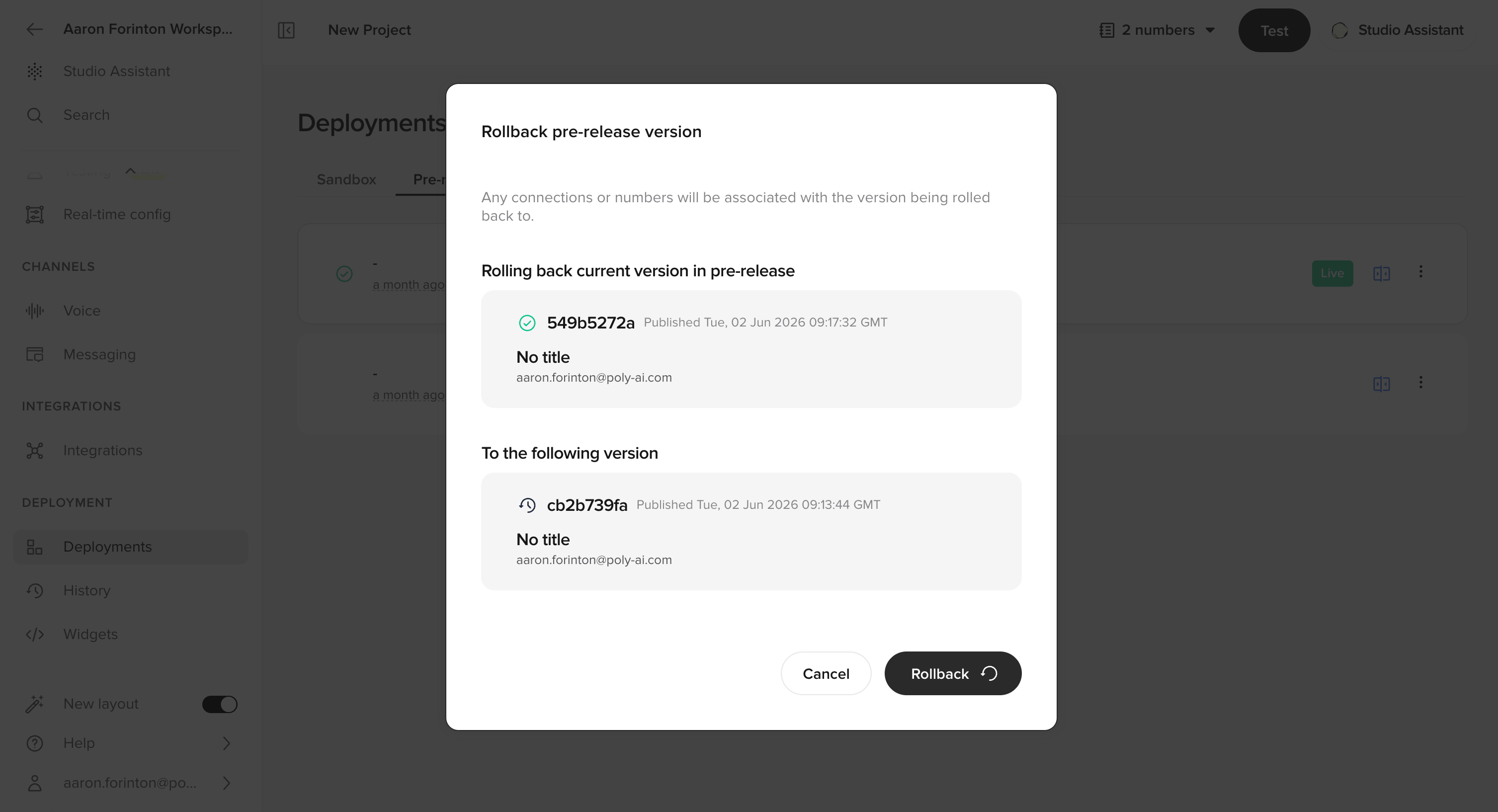
initiate rollback
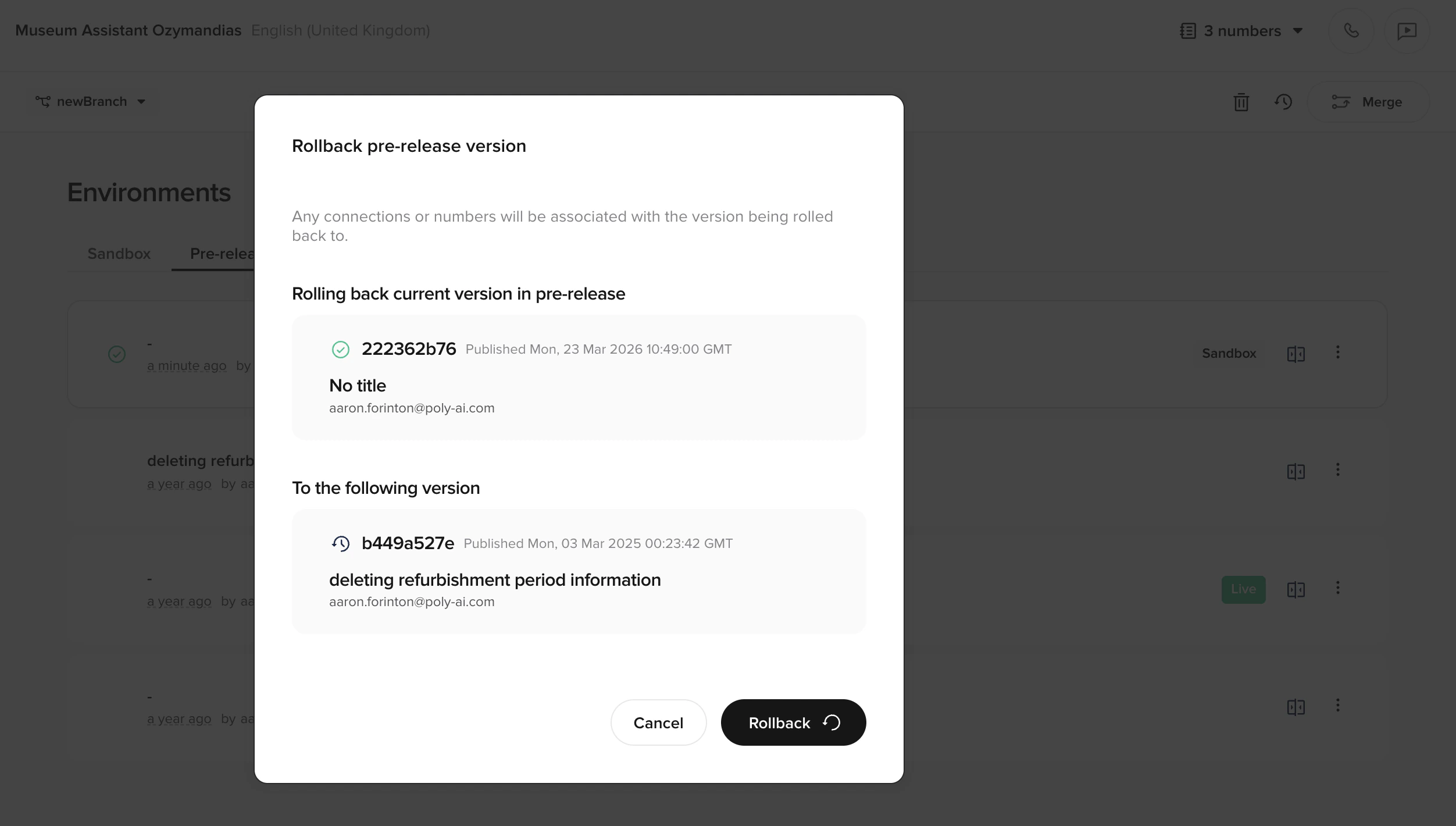
Testing your agent
Main page: Quickstart: test your agent Test your agent in any environment:- Click the Play Chat icon in the top-right corner of the screen.
- Select the environment containing the version you want to test.
Assigning phone numbers
Each environment can have its own phone number. To assign:- Go to Voice > Numbers in the sidebar.
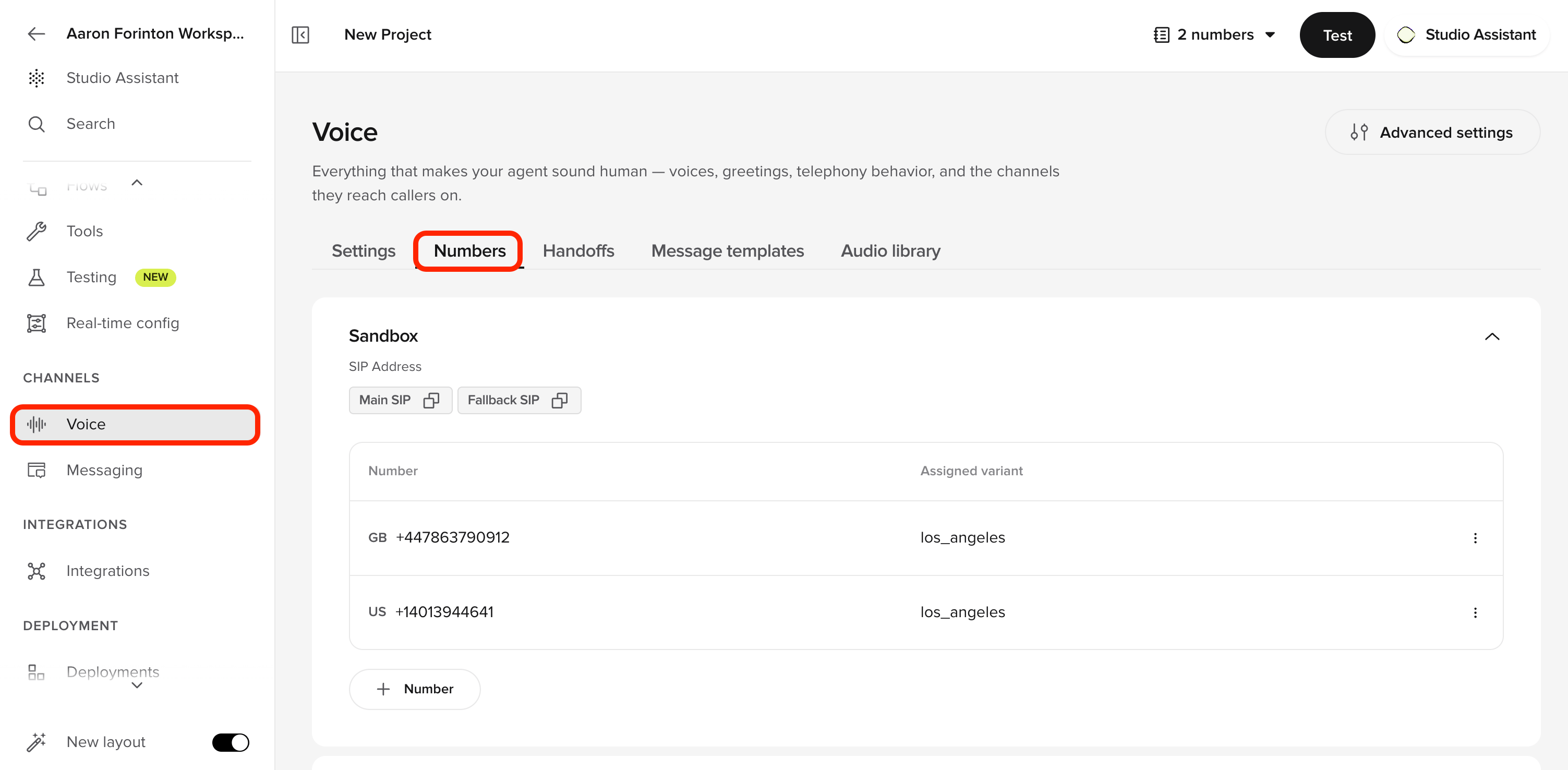
assign version phone numbers
Automate with the Agents API
The same pipeline is available programmatically, which is useful for wiring deployments into CI or orchestrating releases across many agents.Deploy via the Agents API
Deploy via the Agents API
The Agents API exposes publish, promote, and rollback as the CI-friendly equivalents of the UI actions above. Note that merging a branch into
main already publishes to Sandbox, so a standalone publish call is only needed when you have an undeployed main draft. Both publish and promote return the resulting deployment under a deployment key.Related pages
Compare versions
Side-by-side diff of any two versions before promoting.
Project history
Audit trail of all published versions and changes.
Testing
Run regression tests against Draft or Sandbox.
Deployments endpoints
Publish, promote, and rollback from the Agents API.