

PolyAI Agent Development Kit (ADK)
PolyAI Agent Development Kit (ADK)

- Zero to a local project in a few commands — install with
pip install polyai-adk, thenpoly starthandles self-serve sign-up, API key, and your first project in one go. - Local, code-first editing — work on flows, functions, topics, entities, variables, and variants as files, using the tooling you already have.
- Git-like project lifecycle — pull, branch, validate, and push, with branch merging to bring changes back safely.
- Tutorials and reference — build-an-agent and restaurant-booking walkthroughs, core-concept guides, worked examples, and a full CLI and configuration reference.
Builder MCP
Builder MCP
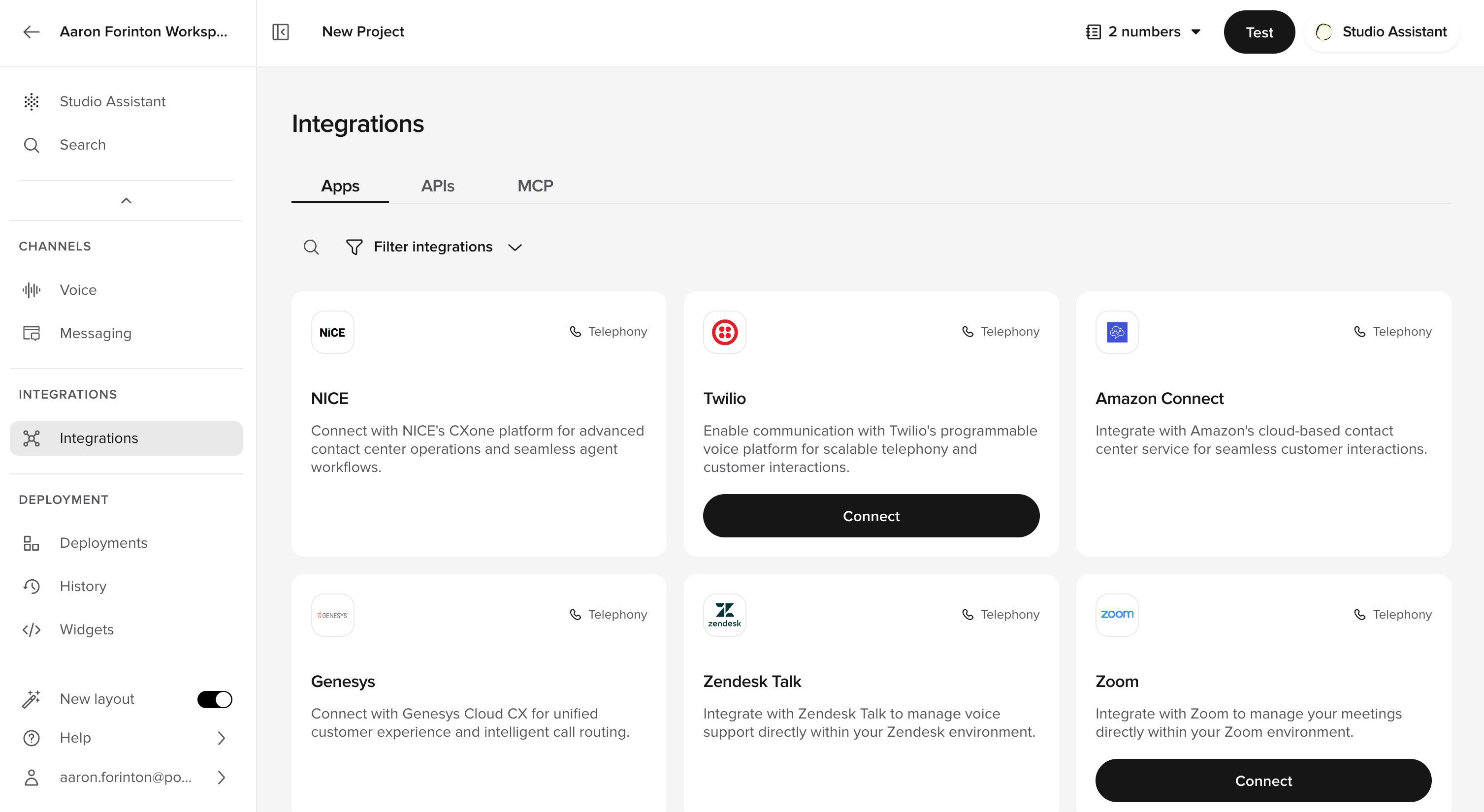
- Build from your IDE — the client discovers the available tools and their input schemas on connect, so your AI coding tool can drive Agent Studio directly.
- Full agent lifecycle — create and edit agents, run tests, and deploy, all over MCP.
- Authenticated and scoped — connect with your workspace API key; see Authentication for setup.
- Two directions, clearly separated — Builder MCP is a client → PolyAI connection for building agents. To let a live agent call external tools during a conversation, see Agent Studio MCP integrations.