

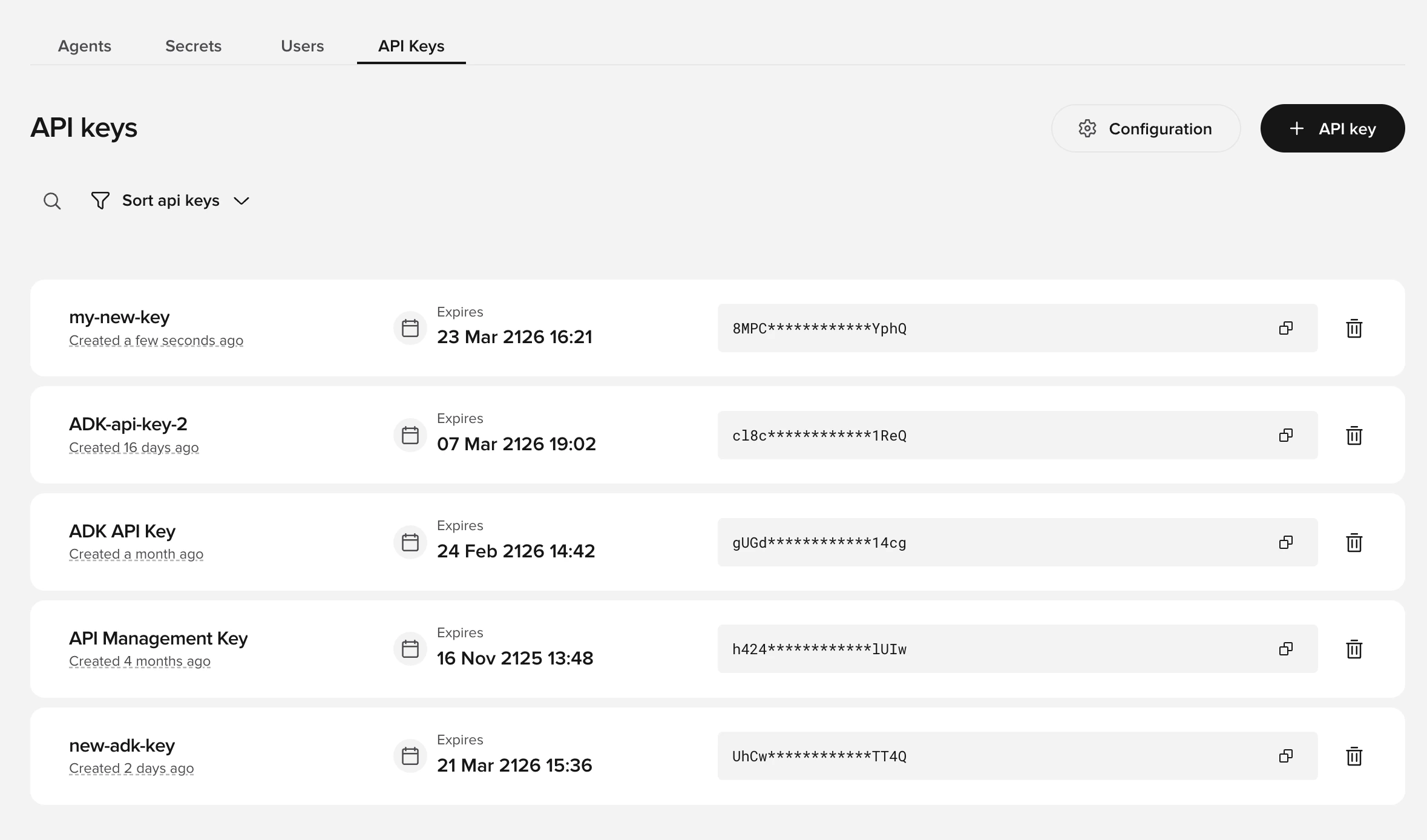
API keys require the Conversations API v3. If you are using v1, contact your PolyAI representative to migrate to v3 first.
Creating an API key
- Go to the API Keys tab on the workspace homepage in Agent Studio
- Select API key
- Configure the key:
- Name – a label to identify this key
- Agents – choose “All agents” or select specific agents (this cannot be changed after creation)
- Permissions – select which APIs the key can access:
- Select Create to generate the key
Viewing and managing keys
Your API keys appear on the API Keys page. Each entry shows:- Key name and scope (which agents it covers)
- Expiry date
- A masked key value with a copy button
- Edit and delete options
Configuring metrics
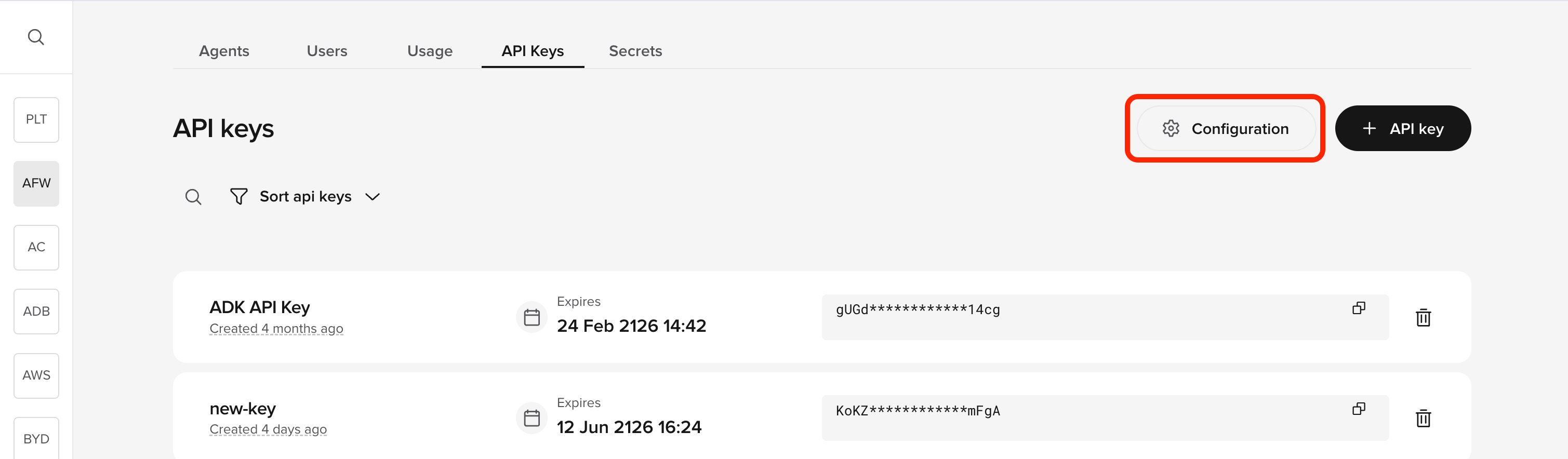
Metrics control what data appears in API responses. Configure them separately from API keys:- Select Configuration at the top of the API Keys page
- Enable the metrics you want available in API responses:
- Response metrics (e.g.,
CALL_IN_PROGRESS,CALL_COMPLETED,HANDOFF_REASON,HANDOFF_TO) - Conversation transcript access
- Response metrics (e.g.,
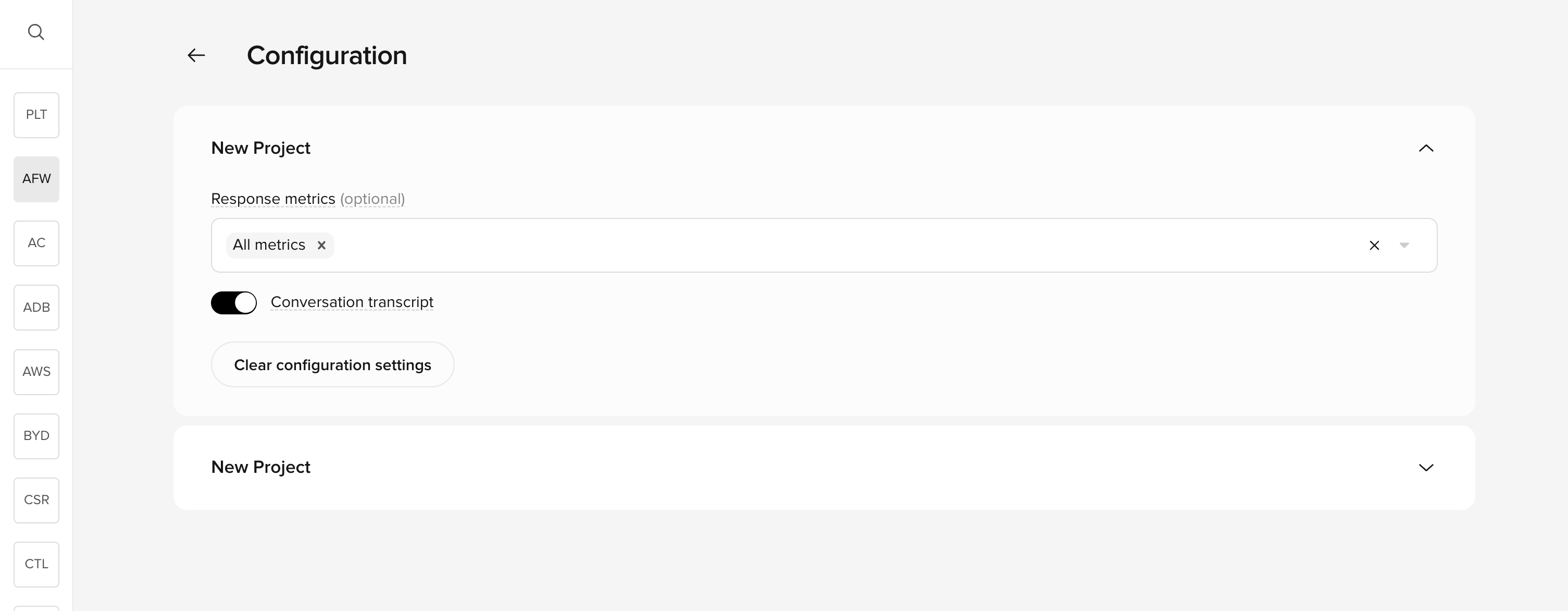
Metrics are configured at the project level, not per key. For data to appear in an API response, both conditions must be met: the API key must have the relevant permission and the project must have the metric enabled.
Using your API key
Include the API key in thex-api-key header of your requests:
Key lifecycle
- Keys have an expiry date set at creation time
- Expired keys stop working immediately
- You can delete keys at any time from the API Keys page
- There is no limit to the number of keys you can create
Best practices
- Create separate keys for different integrations (e.g., one for your CRM, one for analytics)
- Use the most restrictive permissions needed for each integration
- Rotate keys periodically by creating a new key before deleting the old one
- Monitor key usage through your API response logs
Related pages
Conversations API
Retrieve conversation metadata and transcripts programmatically.
Handoff API
Access handoff context and manage transitions.
Agents API
Programmatically configure agents, variants, and deployments.
External Events API
Send events to active conversations.